1 min read
Move your QR menu to Lokhoom in days
Already paying for a QR menu you don't love? Here's how moving to Lokhoom works — without re-typing a single dish.
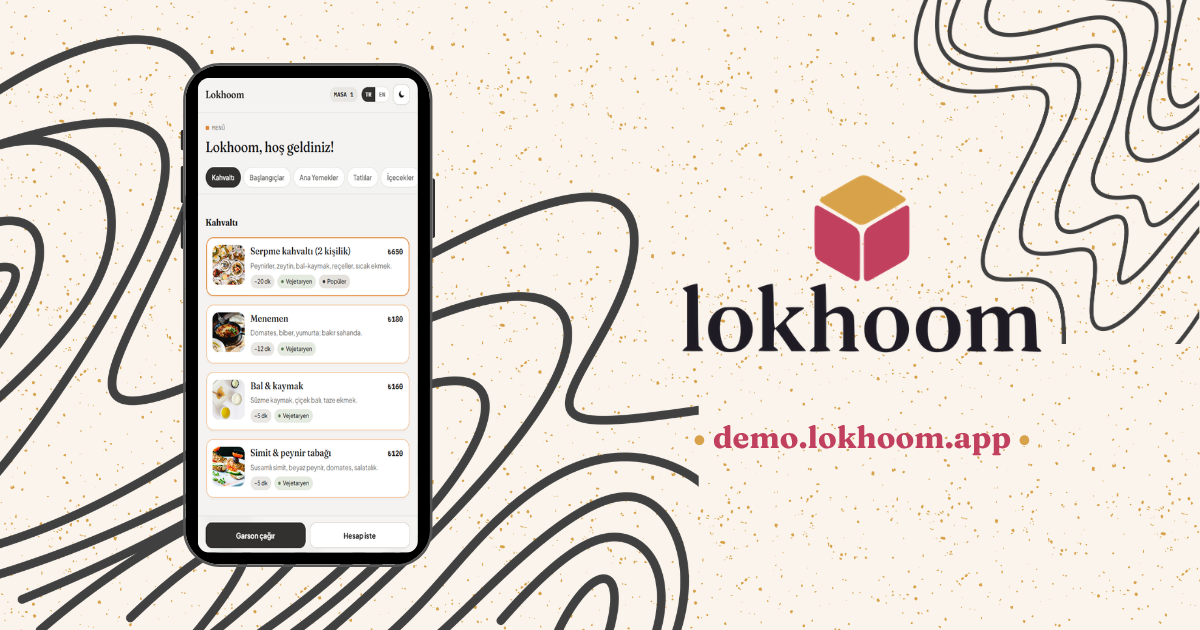
If you already have a QR menu, you've done the hard part: your guests are used to scanning. The problem is usually everything around it — slow edits, prices baked into an image, a monthly bill that never quite made sense.
Switching providers sounds like a chore. It isn't — and it's usually done in a matter of days. Here's what it actually looks like with Lokhoom.
1. Send your current menu
A PDF, a few photos, or just the link to your current QR menu. One message is enough. You don't fill in a spreadsheet and you don't learn new software.
2. We rebuild it for you
We move every category and dish over, in your branding — English as standard, with other languages added on request. We double-check the prices against what you sent. You review it on your phone.
3. You go live
You get print-ready QR codes for each table. We handle the move for you, so the new menu is ready to scan quickly — you just put the codes out.
What changes for you
- Prices update instantly. Change a number once; every table sees it.
- No commission. A flat yearly price, never a cut of your sales.
- No hardware. It runs on the phones your guests already carry.
Curious about cost? We compare what each model adds up to in how much a QR menu costs.
That's the whole move. If you're curious what it looks like, open the live demo menu — it's a real Lokhoom menu, not a screenshot.