2 min read
How much does a QR menu cost?
There's no single price — it depends on the model. Here's how QR menu pricing works, and what to actually compare before you pay.
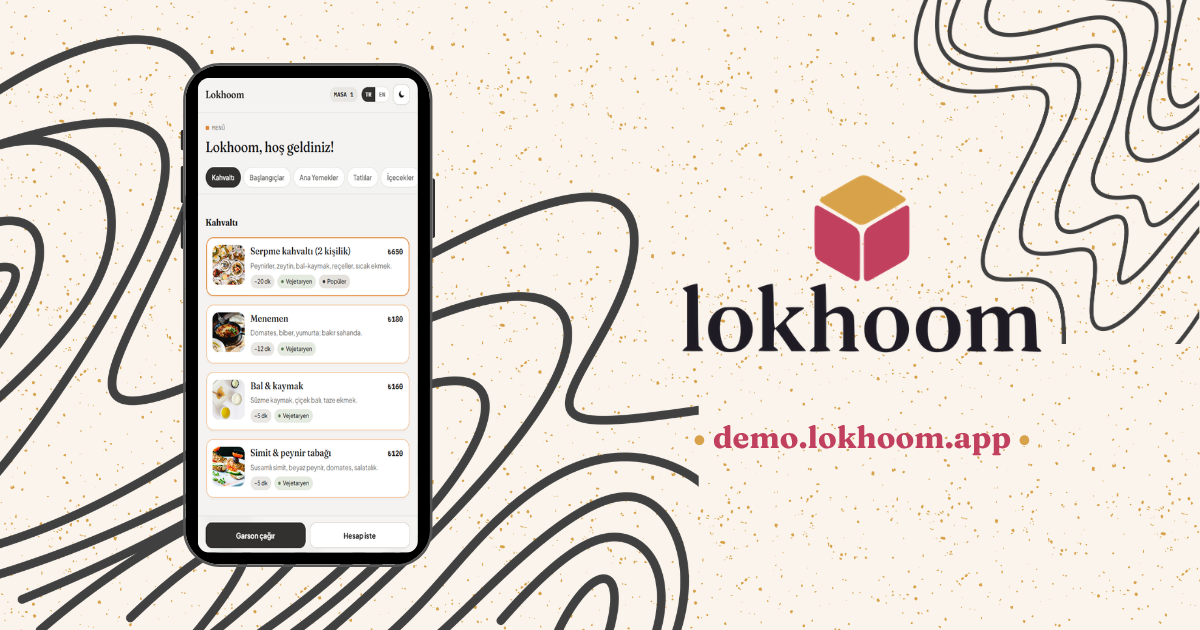
People ask what a QR code menu costs and expect one number. There isn't one. The price depends on the pricing model, not the feature list — and the four models cost you in very different ways. Here's how to read them.
Free PDF menus
These cost nothing up front, and it shows. The menu is a static image or PDF, so every price change means re-exporting the file and re-uploading it. There are no live features. "Free" is real, but so is the daily friction — and a menu that's even a little out of date quietly costs you at the table.
POS-bundled menus
The monthly base can look cheap, but the QR menu is one small feature of a larger system. You're really buying — and maintaining — a point-of-sale setup, often with a terminal or hardware you have to keep. If you don't need the rest of the system, you're paying for a lot of it anyway.
Commission menus
Little or nothing up front, in exchange for a cut of every order. It feels easy on day one, but the bill scales with your success: the more you sell, the more you hand over — every month, indefinitely. A good month becomes an expensive one.
Flat yearly menus
One predictable fee, no commission, unlimited scans, running on the phones your guests already carry. This is where Lokhoom sits: a Starter tier for a full editable menu, and a Pro tier when you want live table features like calling a waiter or asking for the bill. Shown monthly, billed yearly — and a flat yearly fee usually costs less than a single print-and-laminate cycle. (Current Starter and Pro rates are on the pricing page.)
Which one fits you?
Match the model to how you actually run the place:
- A small, stable menu you rarely change — a free PDF can be enough, if you don't mind re-exporting it now and then.
- A busy kitchen with prices that move — a flat yearly menu pays for itself the first time you change a price without a reprint.
- You already run a full POS and like it — a bundled menu may be simplest, as long as you accept paying for the whole system.
- High volume, thin margins — avoid commission; a percentage of every order quietly becomes your biggest software bill.
The honest version
The lowest sticker price is rarely the cheapest menu. Add up the total cost over a year — reprints, commission, hardware, and your own time — and the ranking changes. See where Lokhoom lands on pricing, or just open the live demo first.